Vision Test Drive 0.3.2 for macOS

Hand them the headset.
Keep the remote.

Vision Test Drive runs Apple Vision Pro demos from your iPhone or iPad. Tap a tile and that experience opens on the headset your guest is wearing; one more tap resets it for the next guest.

Download Vision Test Drive 0.3.2

Apple Silicon Mac, macOS 15 or later · 1.0 MB · Disk image

Prefer a zip? Download the .zip · 0.4 MB
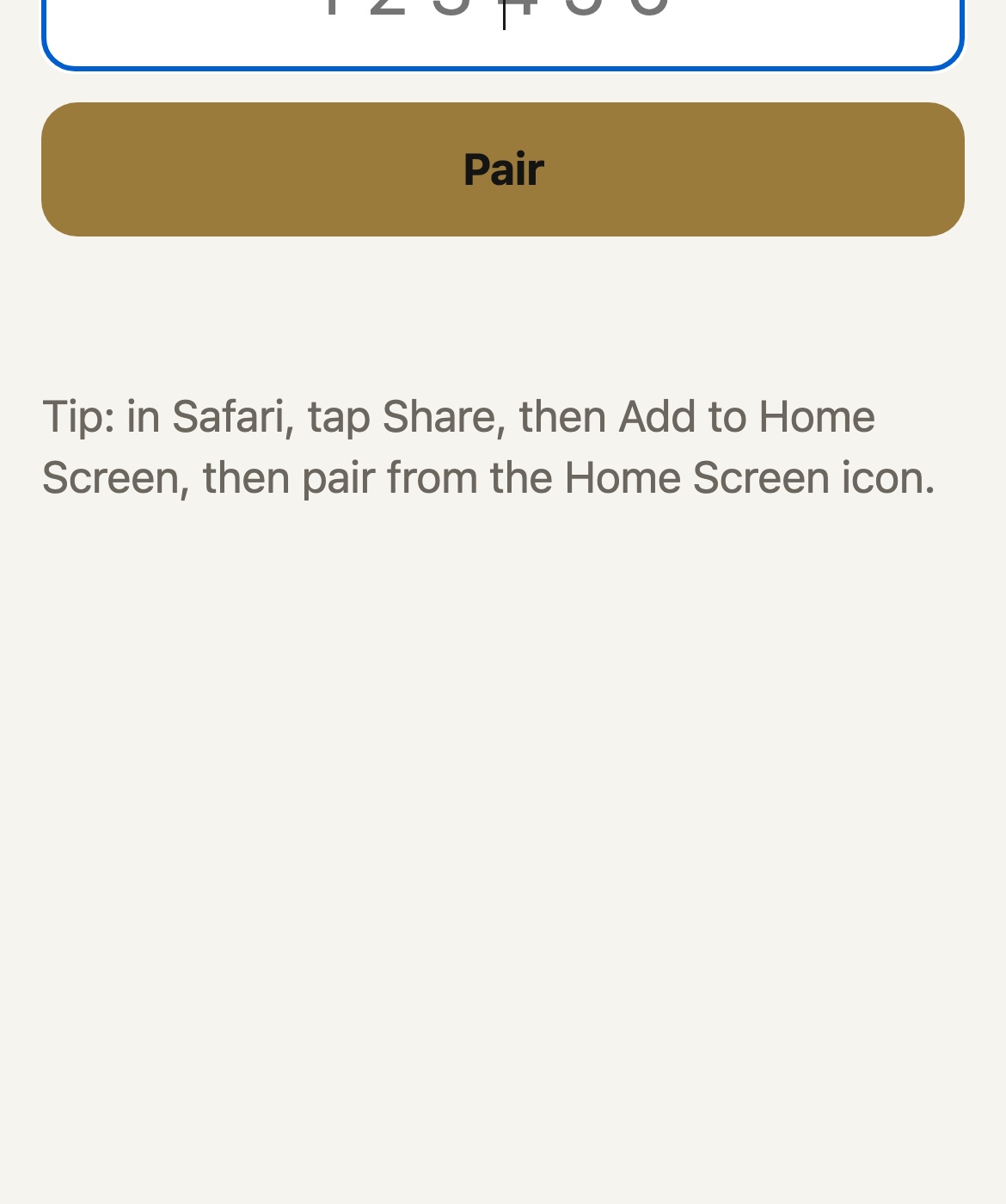
The Vision Test Drive pairing screen on a phone: type the six-digit code shown in the Mac's menu bar.
Version
0.3.2 (build 12)
Requires
Apple Silicon Mac, macOS 15 or later
Download
1.0 MB Disk image
Security
Signed & notarized

Installing it

1

Open the disk image

A window opens with Vision Test Drive in it, beside your Applications folder.

2

Drag it across

Drop Vision Test Drive onto Applications. That is what clears the download quarantine, so automatic updates work from the first launch.

3

Open it

Because the app is notarized by Apple, it launches straight away. Eject the disk image afterwards.

Updates arrive by themselves from then on: Vision Test Drive checks quietly, and you can also ask any time from Vision Test Drive › Check for Updates.